Will it sound good
when you post it?
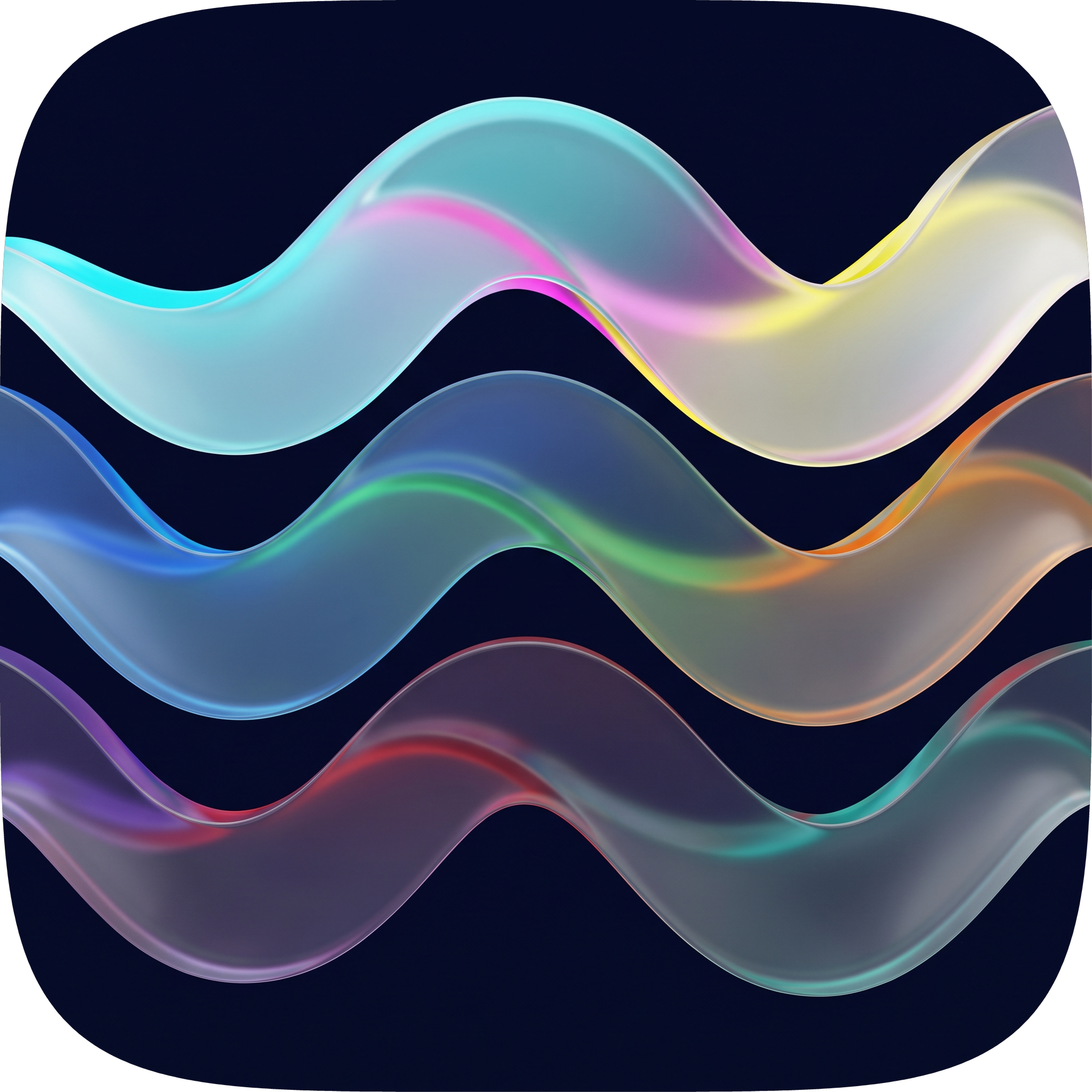
AuraLinter is a recording-quality coach for creators. Record or import a clip, get evidence-backed verdicts on intelligibility, clipping, noise, room echo and loudness — then hear and export a supported cleanup. Room echo is measured, not removed. Light lab design, dark wells where focus matters, luminous ribbons quoting the app icon.
From mic to evidence to fix
A light lab first. Dark navy wells only where the eye needs focus — record hero, waveform panels, A/B strip, and live log. Static aurora, zero wallpaper motion.
Intent chips
cant_tell when unsure
loudness normalized
Light lab, honest evidence
Every surface is paper-white with a hairline #DBE2EF and soft navy shadow. The icon's luminous ribbons appear only as accents — chips, waveforms, borders — and deep navy #0B1026 is reserved for focus wells.
Recording Quality Coach
Intent chips — Video, Podcast, Voice — tune thresholds. Record hero is a dark well quoting the icon: three drifting ribbons on navy. Import shows an explicit preflight when stereo/multichannel or >10 min — original untouched. Every finding has a measured value, confidence, and actionable fix.
Evidence, not vanity scores
Framewise envelope with silence shaded wellMuted, clipping as coral triangles. cant_tell when model lacks confidence — honest, never fake metrics. Every mark corresponds to a real measurement.
A/B Preview & Studio Well Export
Dark A/B strip inside the light page — original vs corrected with hold-to-hear. Export paths: Video MP4 re-mux, Audio M4A, WAV, all loudness-normalized to target. Original video never overwritten.
Measured DSP + AI Mastering
Fix & Enhance combines GPU speech repair with a mastering chain planned from measured evidence. Ask grounds its answers in a DSP knowledge base and labels an answer as general knowledge when no passage matches. Processing shows the real local envelope with a cyan scanline — never fake peaks.
Light first, wells with purpose
Onboarding is dark — the icon came alive. Home is paper-white. Waveform panels, record hero, A/B strip, and live log are deliberate navy insets using wellInk/wellMuted, never studioInk.
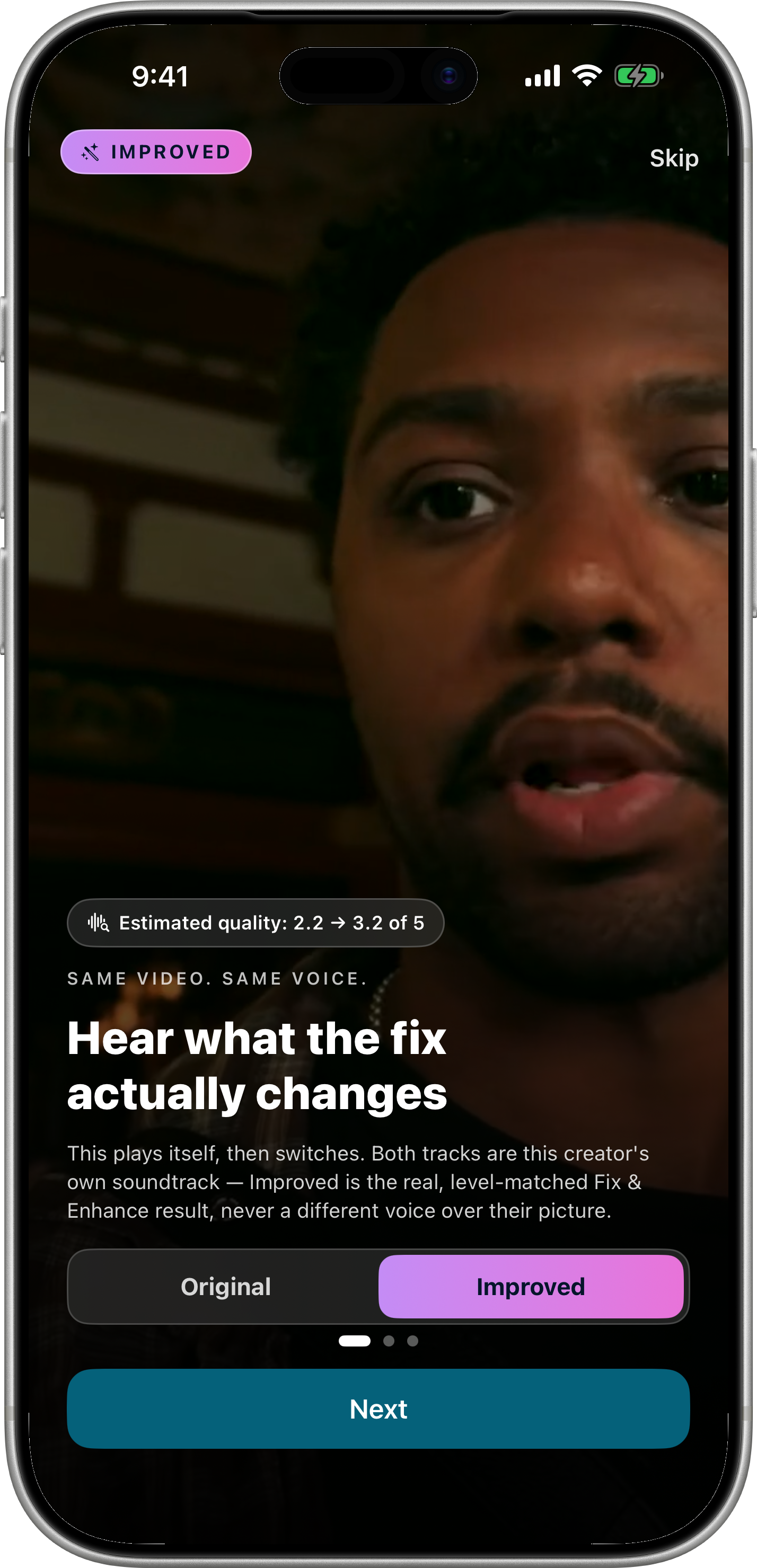
Splash & Onboarding
Degraded → clean waveform resolves in navy well — before/after in first 5 seconds. Three pages: check, verdict, fix.
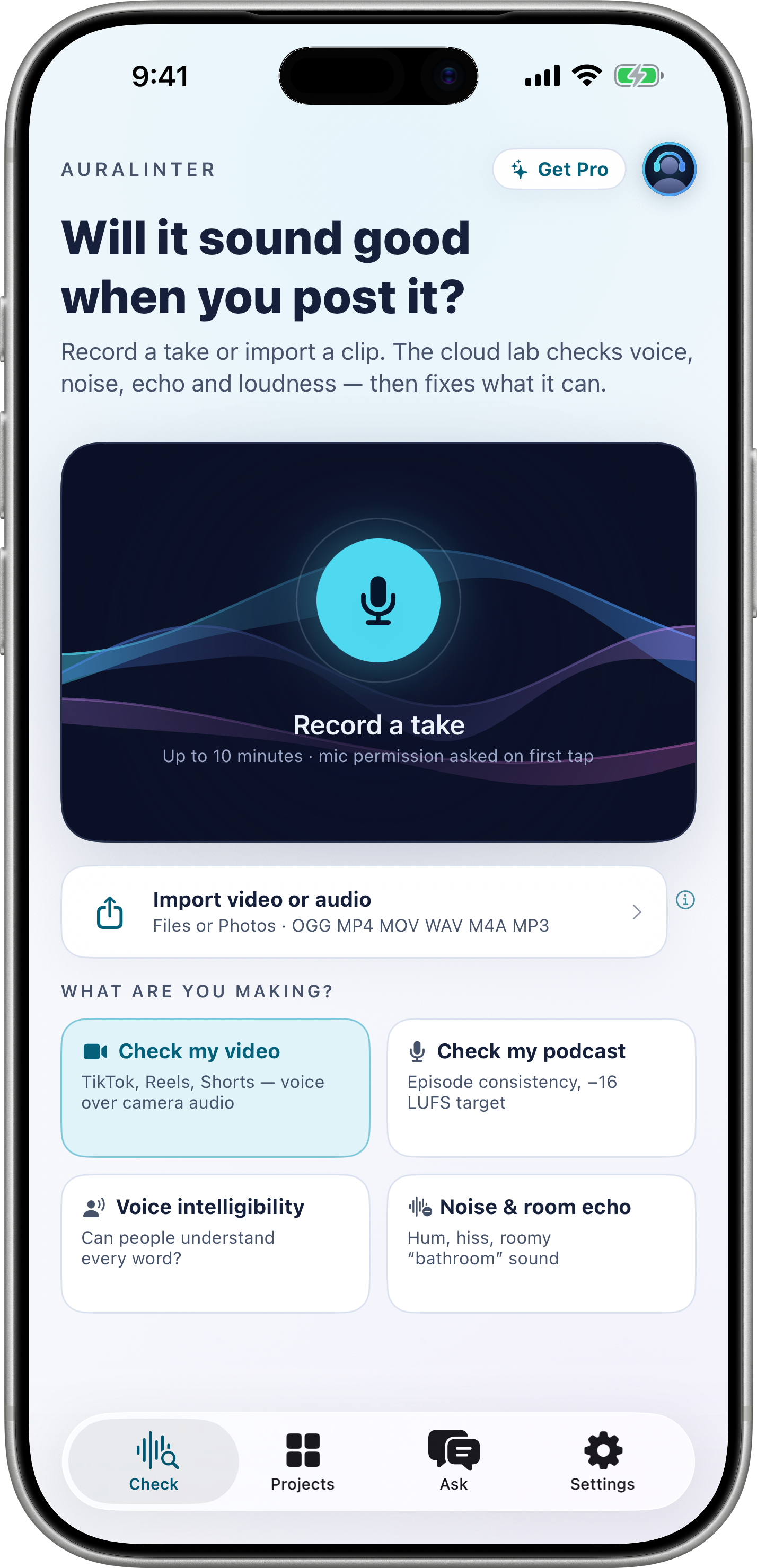
Check • Light Lab
Hero record well with ribbons listening. Intent grid, import row, reference chip. All cards: white, hairline, soft shadow.
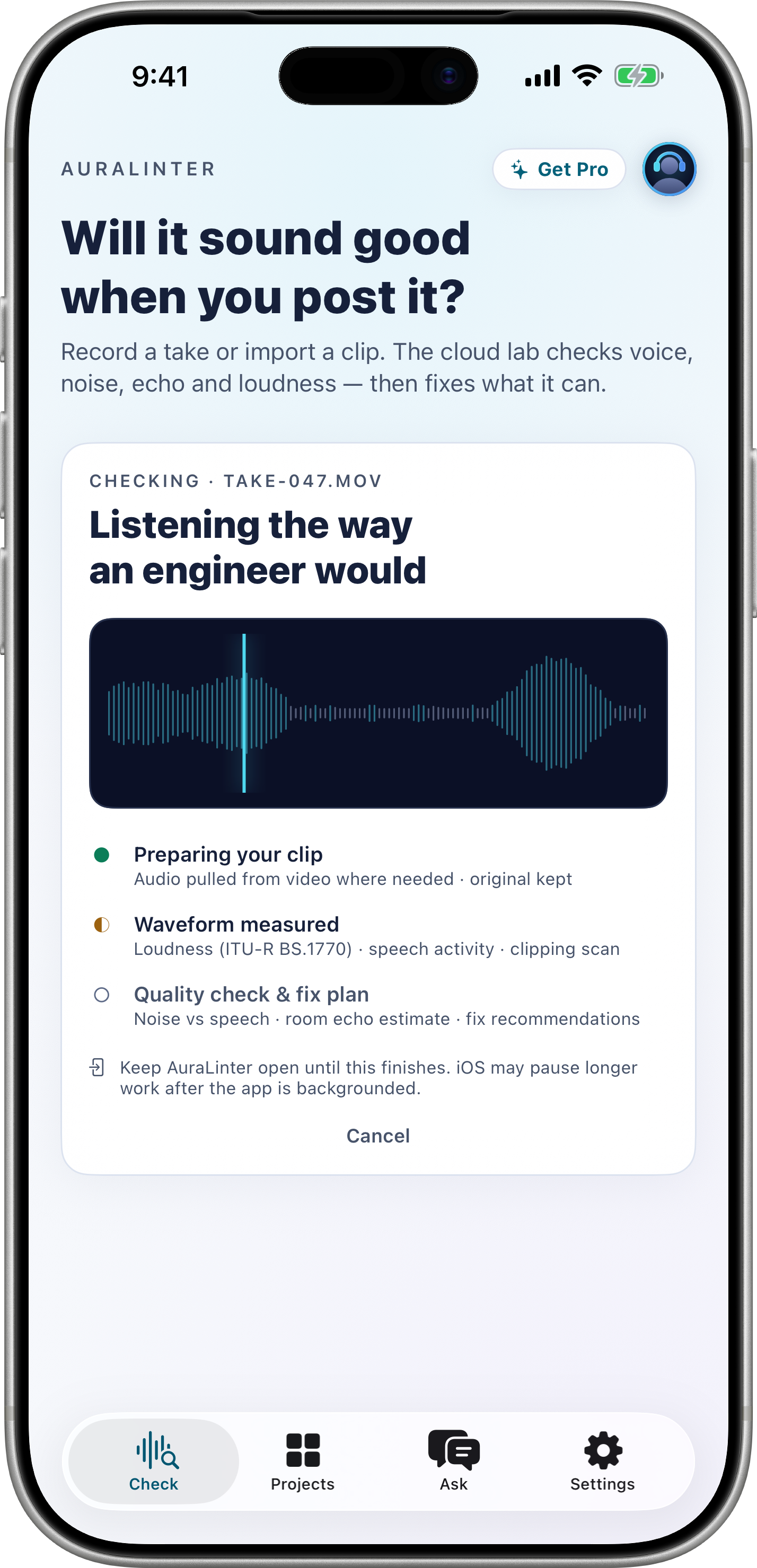
Processing Well
Muted envelope pre-measurement, cyan scanline sweeps. Live log streams: measure_gate, measure_eq, compressor. No spinner — waveform as work.
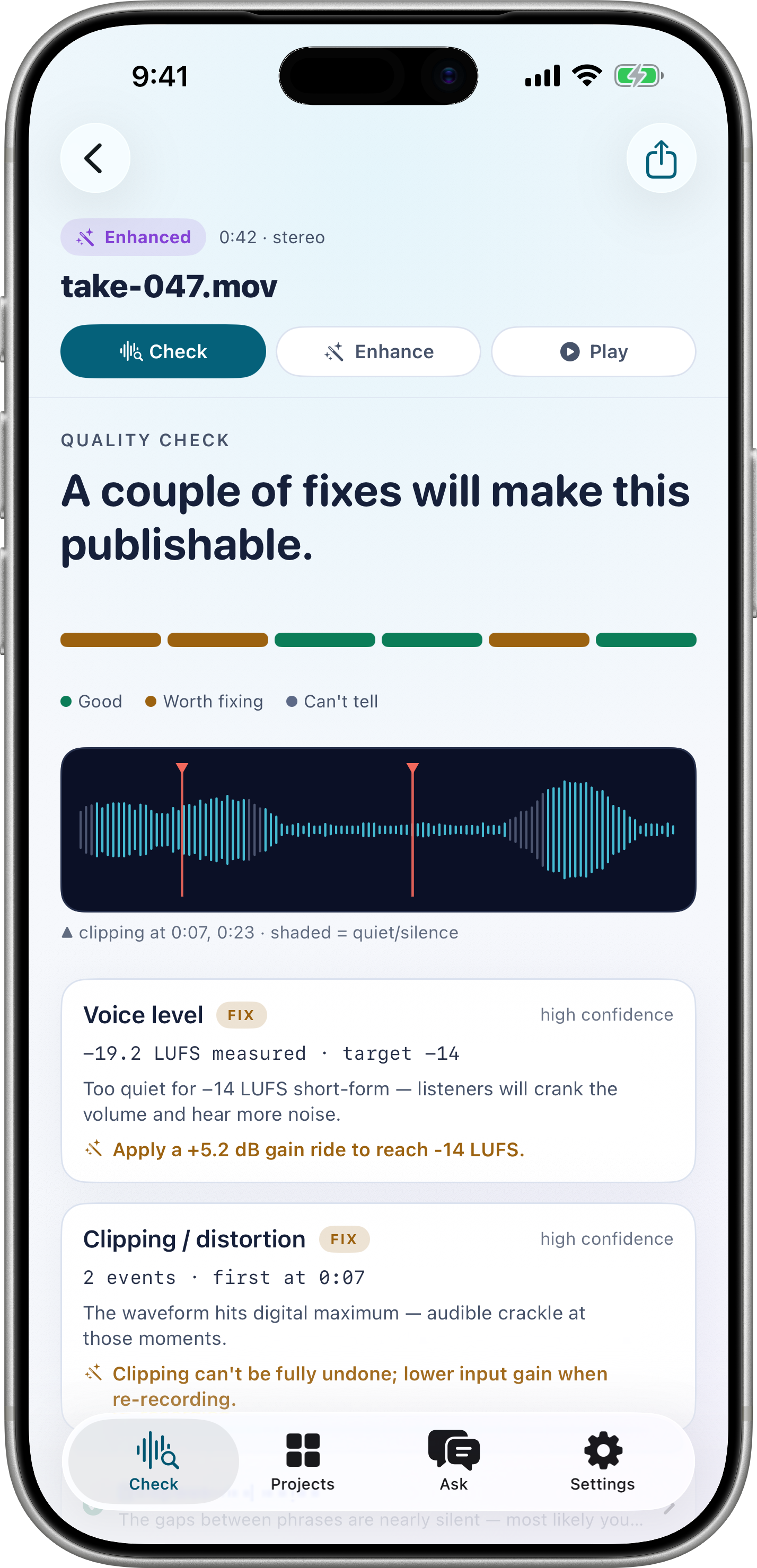
Results • Evidence
Verdict bar, evidence waveform with silence shading, clipping triangles. Cards use verdict colors dark-tier: AA on white.
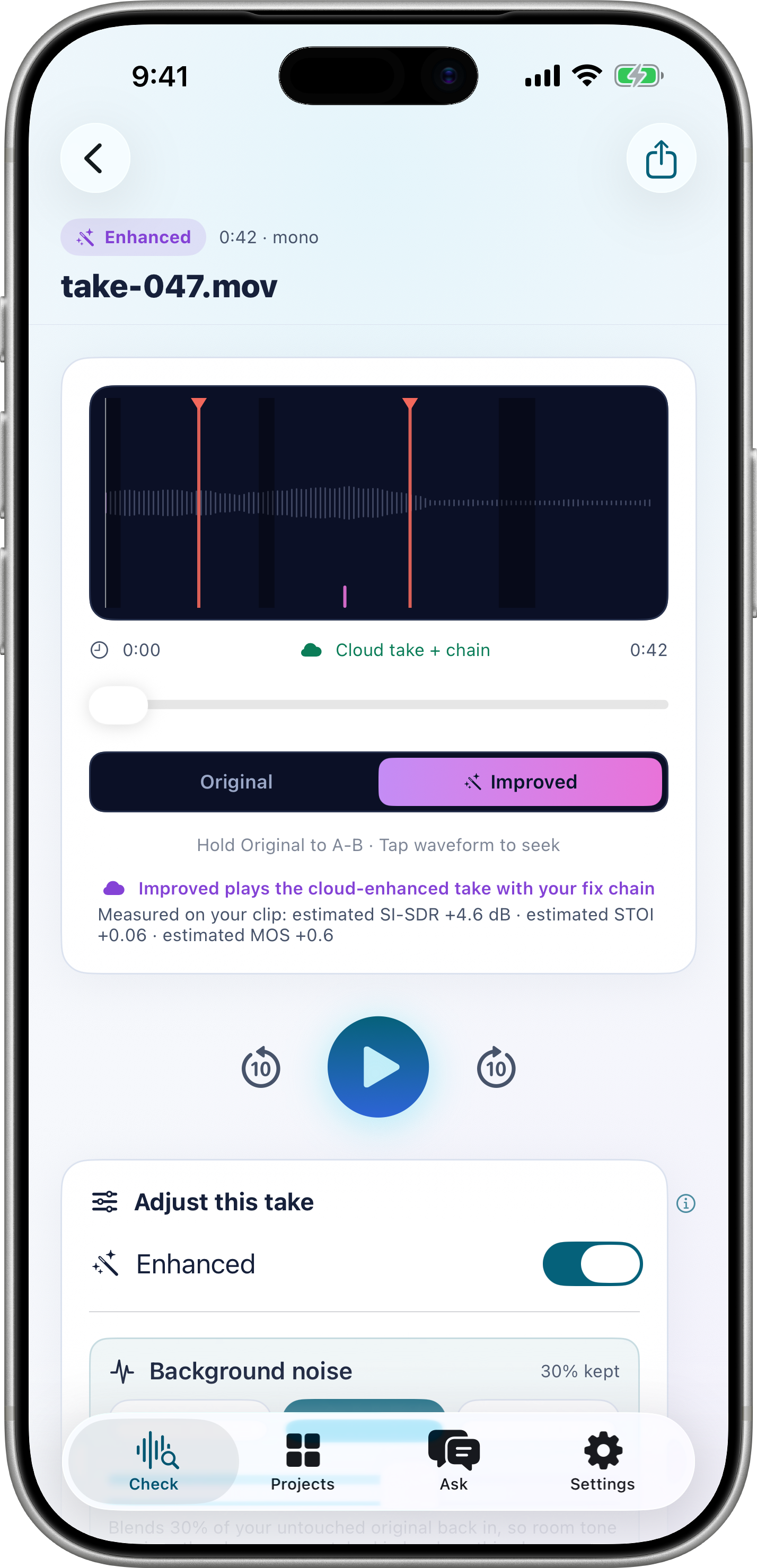
Editor & Export
Dark A/B strip inside light page toggles original vs corrected. Loudness normalization to target. Honesty line about mono analysis.
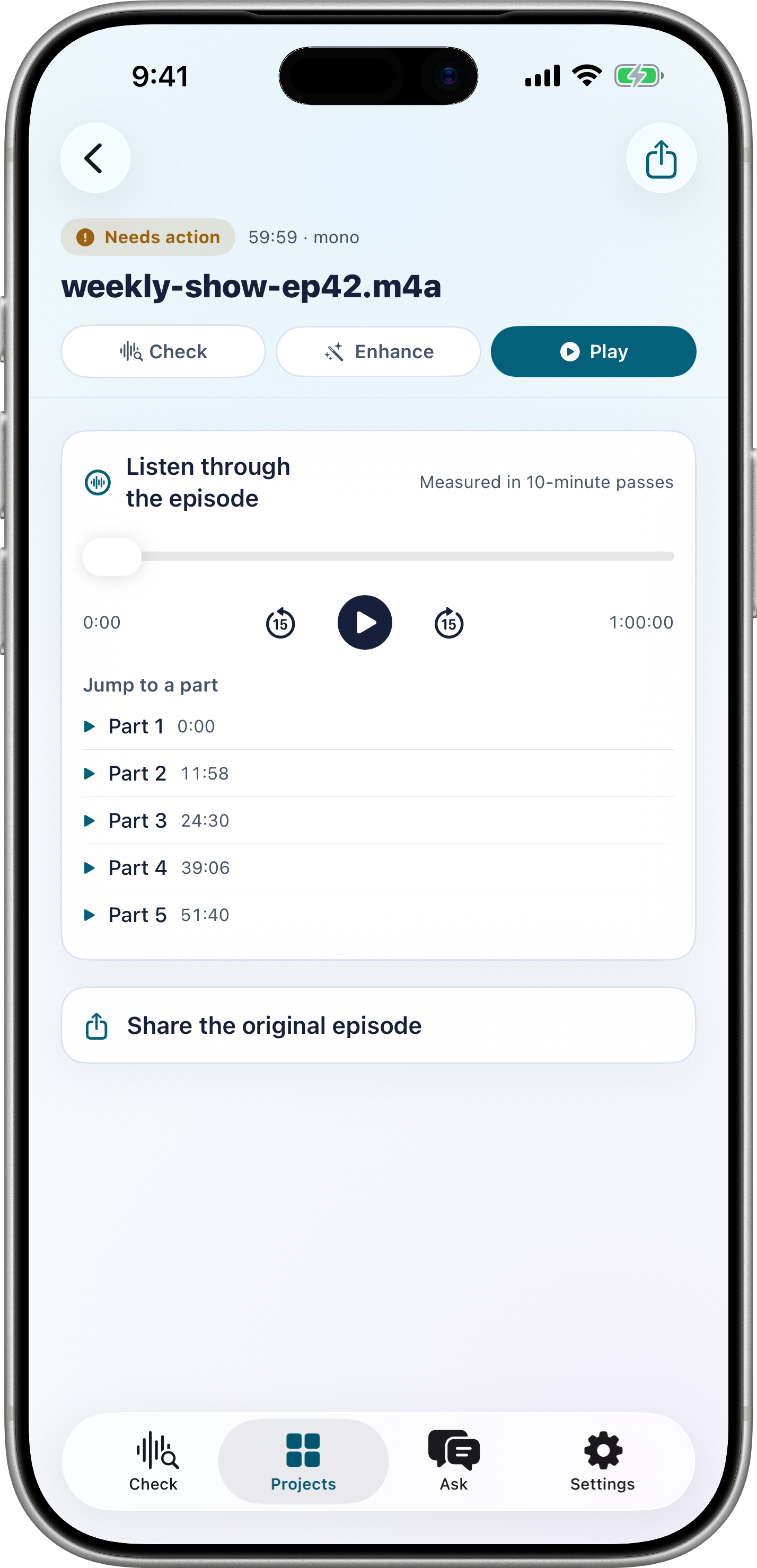
Projects
SwiftData persistence, durable audio in Application Support. Reopen any past check, resume editor exactly where left.
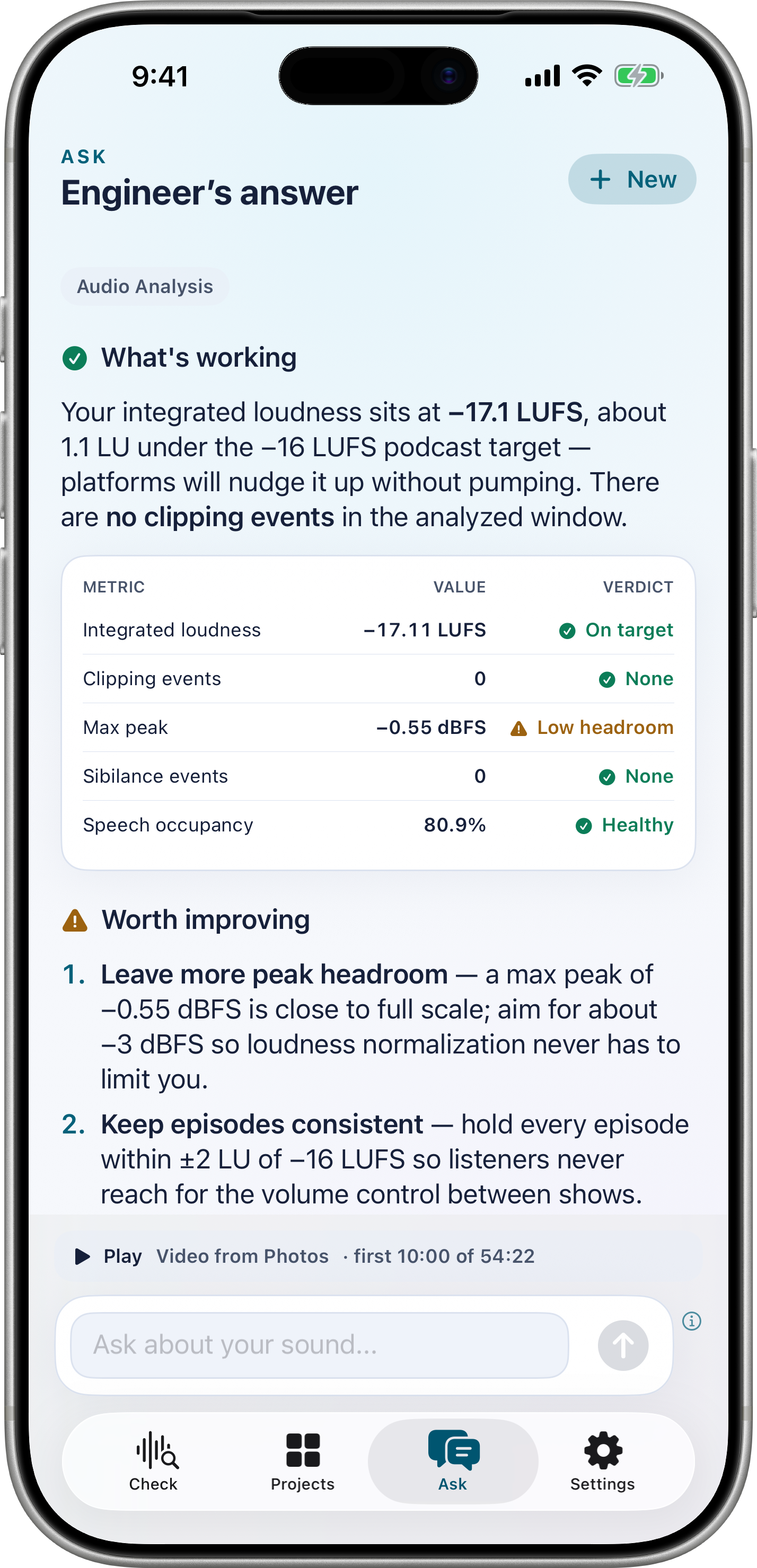
Ask • Grounded DSP Q&A
Ask a recording or DSP question. When the production knowledge base has relevant passages, the answer is grounded in them; otherwise it is labeled as general knowledge.
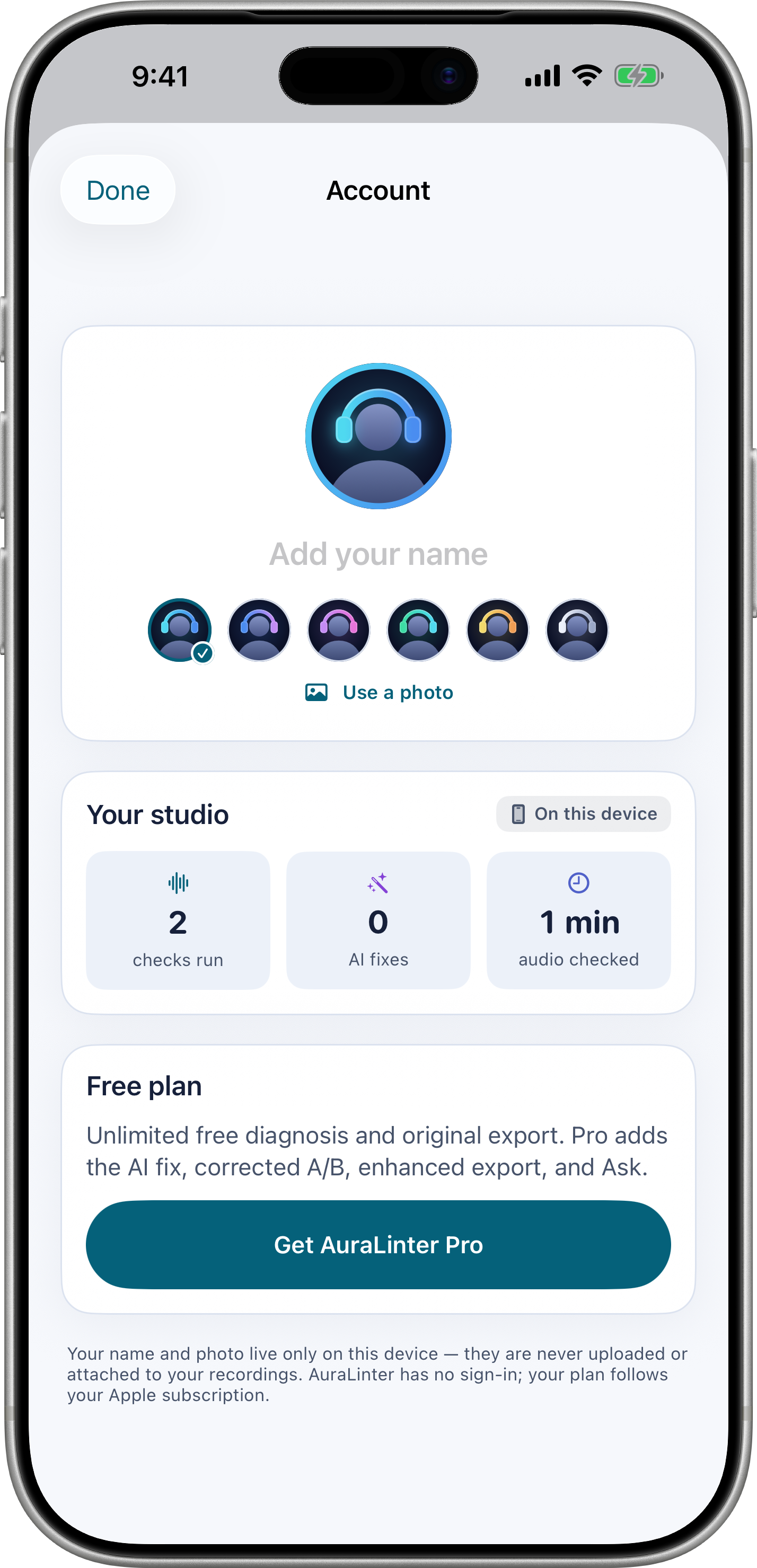
Account & Studio
An optional on-device profile, local studio activity, and clear Free or Pro status. Your name and photo stay on this device.
Built for creators who care about intelligibility
TikTok, podcast, voice notes — if it needs to sound clear before you post, check here first.
Creator
- Know if speech will survive compression
- See exactly where clipping hits
- Fix loudness to platform target
- Export video MP4 without re-rendering
Audio Engineer
- Evidence waveform, not scores
- Silence intervals and speech coverage
- Loudness chain transparent
- Ask grounded DSP questions
Learner
- Learn by seeing real measurements
- Cant_tell teaches where AI is unsure
- Answers say whether they draw on the corpus or general knowledge
- See the measured evidence behind an answer
Light lab implementation
Forced .preferredColorScheme(.light) everywhere except deliberate wells. Tokens match Theme.swift exactly.
| Chrome | studioBg #F6F8FC • studioSurface #FFFFFF • studioLine #DBE2EF • shadow #10204A 05% |
| Wells | studioWell #0B1026 • wellInk #EEF2FB • wellMuted #9AA7C7 • wellLine #26304C — record hero, waveform, A/B, processing log, splash |
| Brand | appAccent #05617A 7:1 on white • appPrimaryAccent #2E64D8 • accentInk #05152B 13:1 on bright |
| Bright fills | brightCyan #4FD9F0 • brightAzure #4A8DF0 • brightViolet #C48CF5 • brightMagenta #E873D9 • gold #F2DA6B — gradients, well marks |
| Evidence | EvidenceWaveformView: bucketed RMS −60…0 dBFS, silence shading, coral triangles capped at 12, wellMuted for unvoiced |
| Processing | ScanlineWaveformView: local envelope via WaveformAnalyzer 110 samples, sweep 2.8s linear, muted pre-measurement palette |
| Ribbon hero | RibbonWaveBackdrop: 3 sine ribbons 0.40/0.56/0.72 baseY, 1.15/0.78/1.5 wavelength, energized 1.9× speed on record |
| Backend | FastAPI + LangGraph StateGraph • Postgres checkpointer • Bedrock us.anthropic.* inference profiles • pool liveness |
| Vector | pgvector HNSW + ts_rank • RRF merge • Voyage 1024-dim |
| Frontend | SwiftUI iOS 17+ • forced light • GlassCard white hairline • AuroraBackground static radial |
FAQ — light lab & honesty
Real answers about measuring, not inventing.
#F6F8FC + #0B1026